Three at once, more friends over time
You can explore alone or make a party of three. A four-person group cannot all join the same game simultaneously.
The developer says one save can have any number of players coming in and out over time. For a bigger friend group, arrange turns and leave a short note about your current camp, opened obstacles and next objective. That keeps the next session focused without expecting a fourth lobby slot.
The demo can save and resume, but that save does not transfer into the full game.
Agree on the next blocker before leaving camp
- Name one immediate goal. For example, bring the Hammer back to metal bars or take a Torch to prison webs.
- Split the preparation. One player can handle food, another the required key or tool, and another spare carrying space. These are useful assignments, not fixed character classes.
- Check the items together. Say who is holding the key and which tool will deal with the obstacle. Use the inventory checklist to avoid three full bags and a missing essential item.
- Choose a recognizable return point. Describe a camp feature or a distinctive room rather than sending friends toward an unnamed corridor.
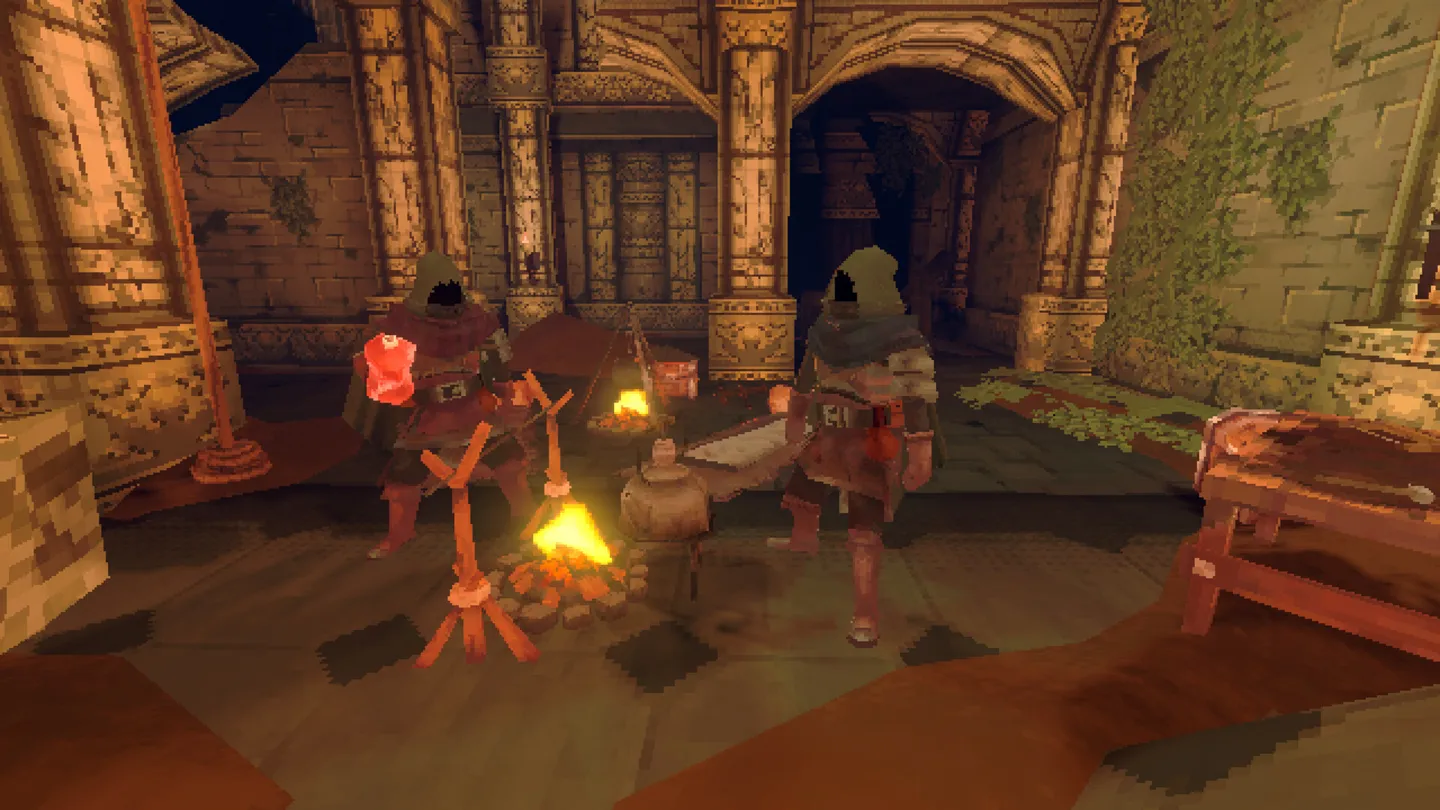
Pass the useful object, not just instructions
Physical objects can be picked up, placed together or thrown to a friend. When the teammate at a blockage needs the key or tool, hand over the actual object instead of leaving it with a player on another branch.
Make the handoff in a place where both players can see the object. Confirm the recipient has it, then continue. At camp, organize spare supplies by purpose so the party can prepare the next outing without hunting through a scattered pile.
If a friend cannot join, match the error to the next check
The v1013 demo update added lobby rejoining and clearer messages for failed lobby searches, game creation and joining. NPC Tips reports the following error categories in demo build 23712006. The actions are practical first checks, not a guaranteed fix for every connection failure.
| Error category | What to try next |
|---|---|
| Lobby full | Count everyone already connected. Free a place before inviting someone else; the limit is three. |
| Game version mismatch | Have the host and joining players update to the same game version, then retry the invitation. |
| Game closed or host disconnected | Ask the host to reopen the game and send a fresh invitation. |
| Authentication failed; offline mode | Check your connection and that the game’s platform account is signed in online before retrying. |
| Platform online access not allowed | Check the platform’s online-play permissions and enable the required access before joining online. |
| Invitation failed | Confirm the host’s session is still open and your friend is online, then send a new invitation. |
A loading bar stuck at 100% is not the same as one of these explicit errors. Do not assume a full lobby or version mismatch unless the game says so.
Check platform pairing before planning the party
The Steam listing includes cross-platform multiplayer, but it does not name every supported platform pairing. Do not treat that label alone as a guarantee that a particular Steam and console combination can join. Confirm the supported pairing for your group before organizing the session.